Style Library
Professional art styles with preview images, descriptions, and example prompts. Click any style to apply it instantly.




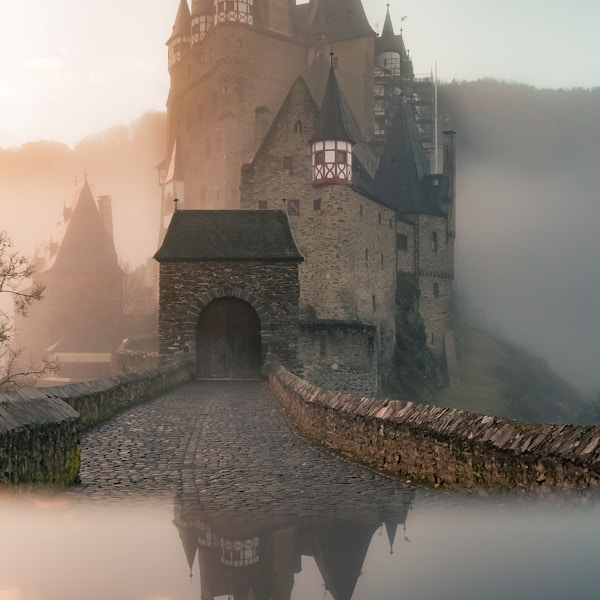




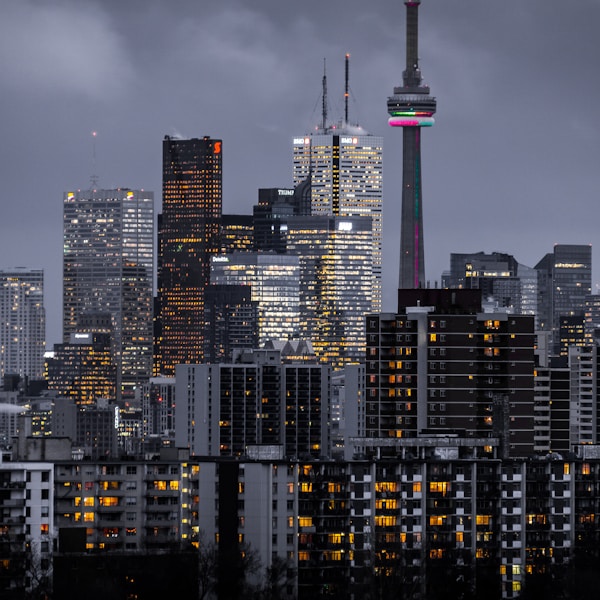


What Is an AI Art Style?
An AI art style is a visual aesthetic that the AI image generator applies to your prompt. When you write a prompt like "a woman in a garden," the result depends entirely on the style you choose: a realistic style produces a photograph-like image, an anime style produces a Japanese-animation illustration, a watercolor style produces a soft painted look, and a cyberpunk style adds neon and dystopian futurism. The style is the lens through which your prompt is interpreted — same words, completely different image depending on the style applied.
The Pixora style library collects dozens of professionally curated styles, each with a preview image so you can see exactly what it produces before you commit. Every style includes a description, example prompts, and tags that help you find related styles. You can apply any style to your prompt with a single click, and the AI image generator will produce an image that combines your subject with that style's aesthetic.
How to Choose the Right Style
The right style depends on what you are creating. For social media posts and profile pictures, anime and cartoon styles are popular for their bold, eye-catching look. For product mockups and marketing materials, realistic and photography styles create professional, lifelike results. For book covers and fantasy content, oil painting and fantasy illustration styles add depth and atmosphere. For branding and logos, minimalist and design-focused styles keep things clean and commercial. For wall art and prints, watercolor and fine art styles produce pieces that look handcrafted.
When in doubt, generate the same prompt in two or three different styles and compare the results side by side. This is one of the biggest advantages of AI image generation — you can explore wildly different visual directions in seconds, something that would take hours or days with traditional art tools. The style library makes this exploration easy: pick a prompt, try several styles, and keep the one that best matches your vision.
Free and Pro Styles
Pixora offers a range of styles at different access levels. The realistic style is free for all users — you can generate photorealistic images without a paid plan. Other specialized styles — anime, cyberpunk, fantasy, watercolor, 3D render, and the full collection — are part of the Pixora Pro subscription. Pro styles are more specialized and produce distinct, refined aesthetics that go beyond what the free realistic style can achieve. You can browse and preview every style in the library for free; the Pro badge simply indicates which styles require a subscription to apply. If you see a Pro style you love, you can upgrade at any time to unlock the full collection.
From Style to Finished Image
Applying a style is the first step in a complete creative workflow. Once you choose a style and generate an image, you can refine it further using Pixora's editing suite — crop to the right aspect ratio for your platform, upscale to higher resolution for print or large displays, remove the background for a clean cutout, or add text overlays and filters. Every image you generate includes commercial usage rights, so you can use it in client work, products, marketing campaigns, and personal projects without restrictions.