Created with Pixora
Explore stunning AI-generated images from our community. Get inspired, copy prompts, and create your own.
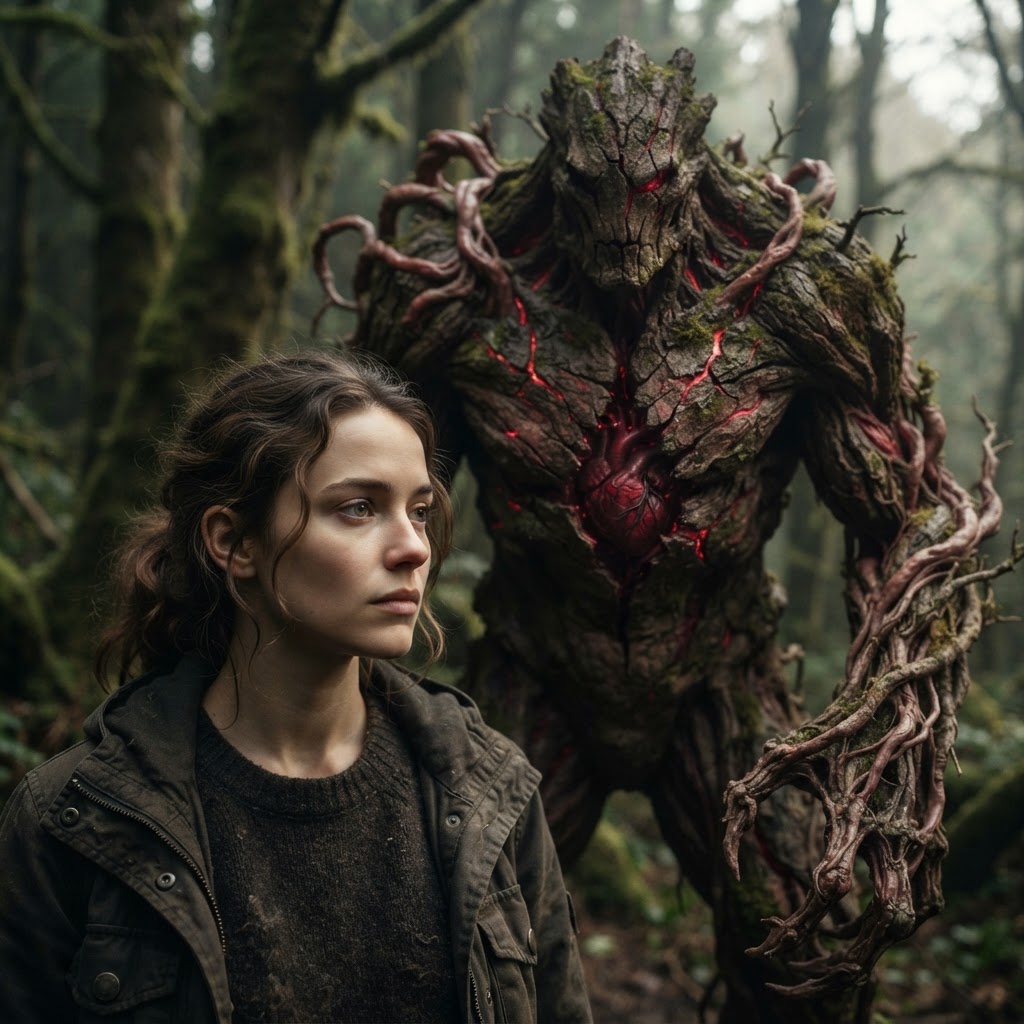

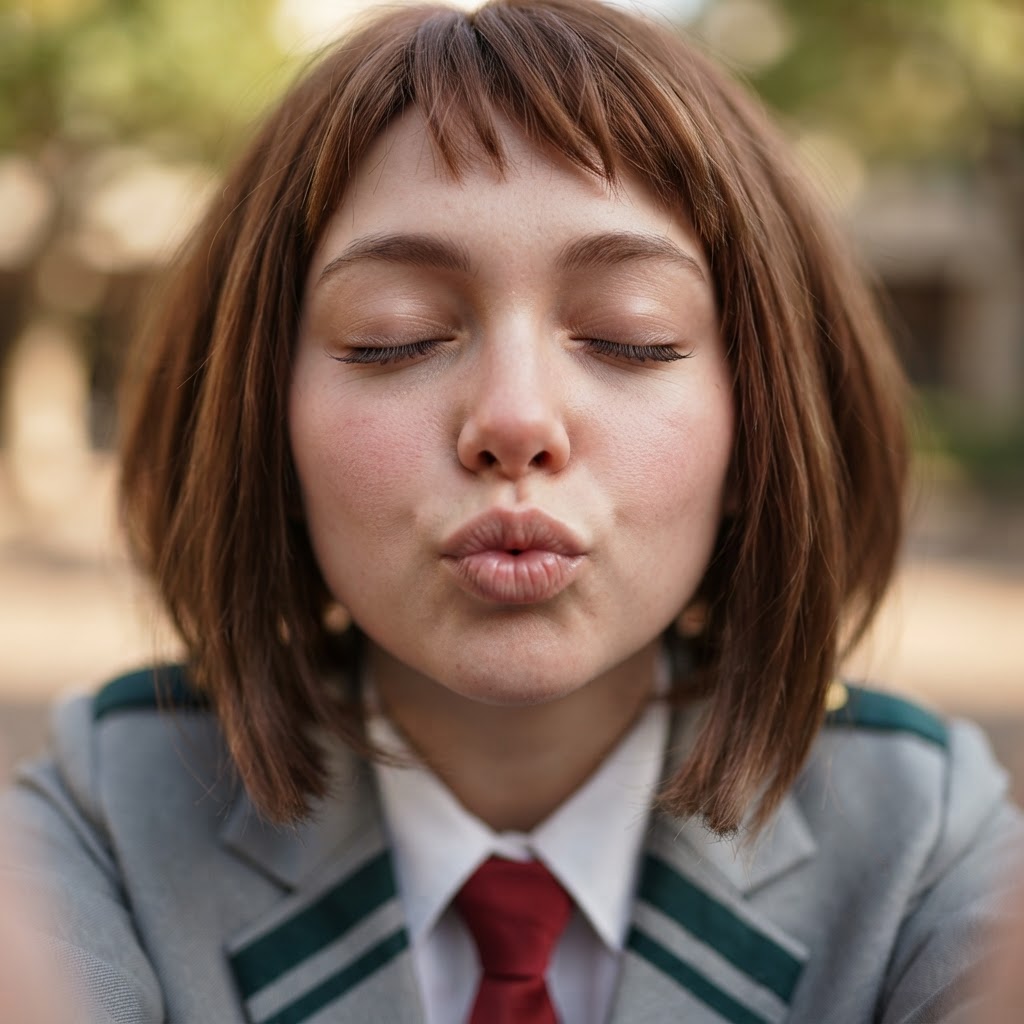
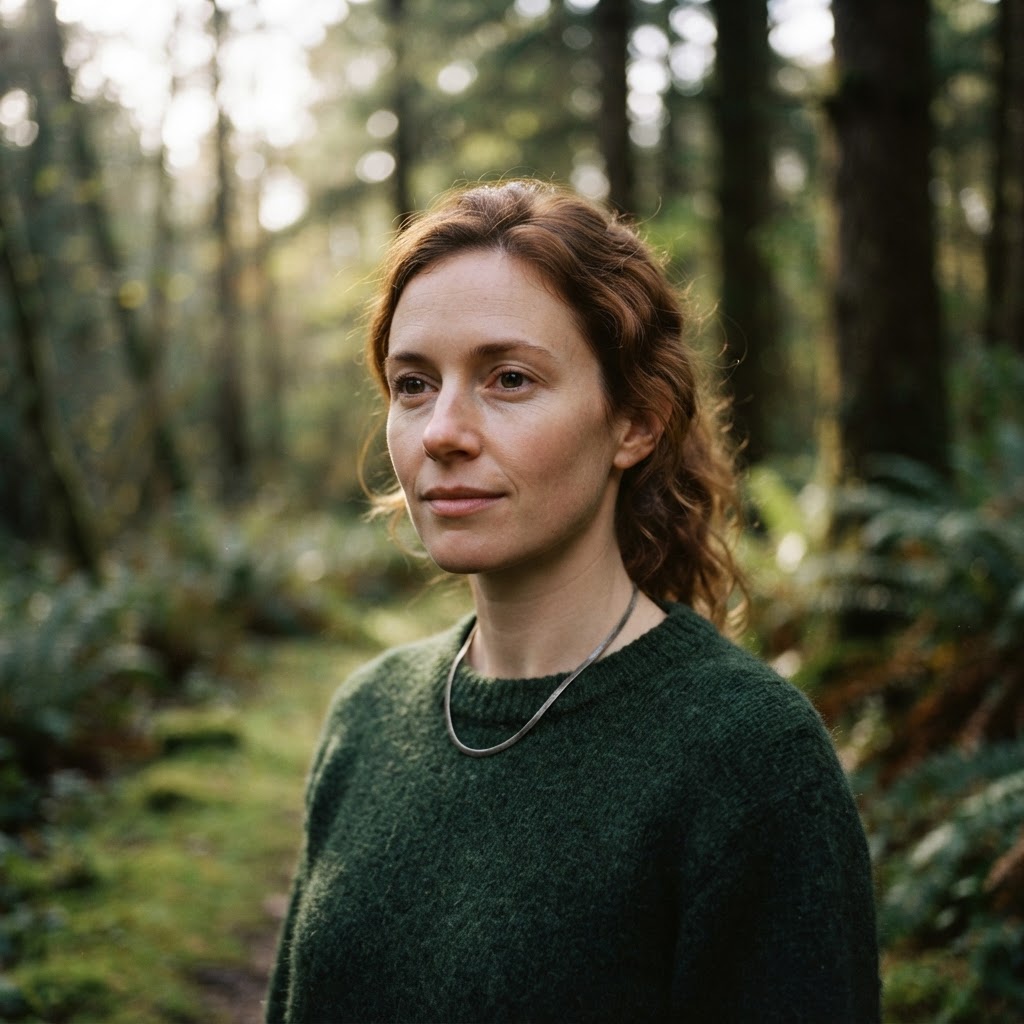
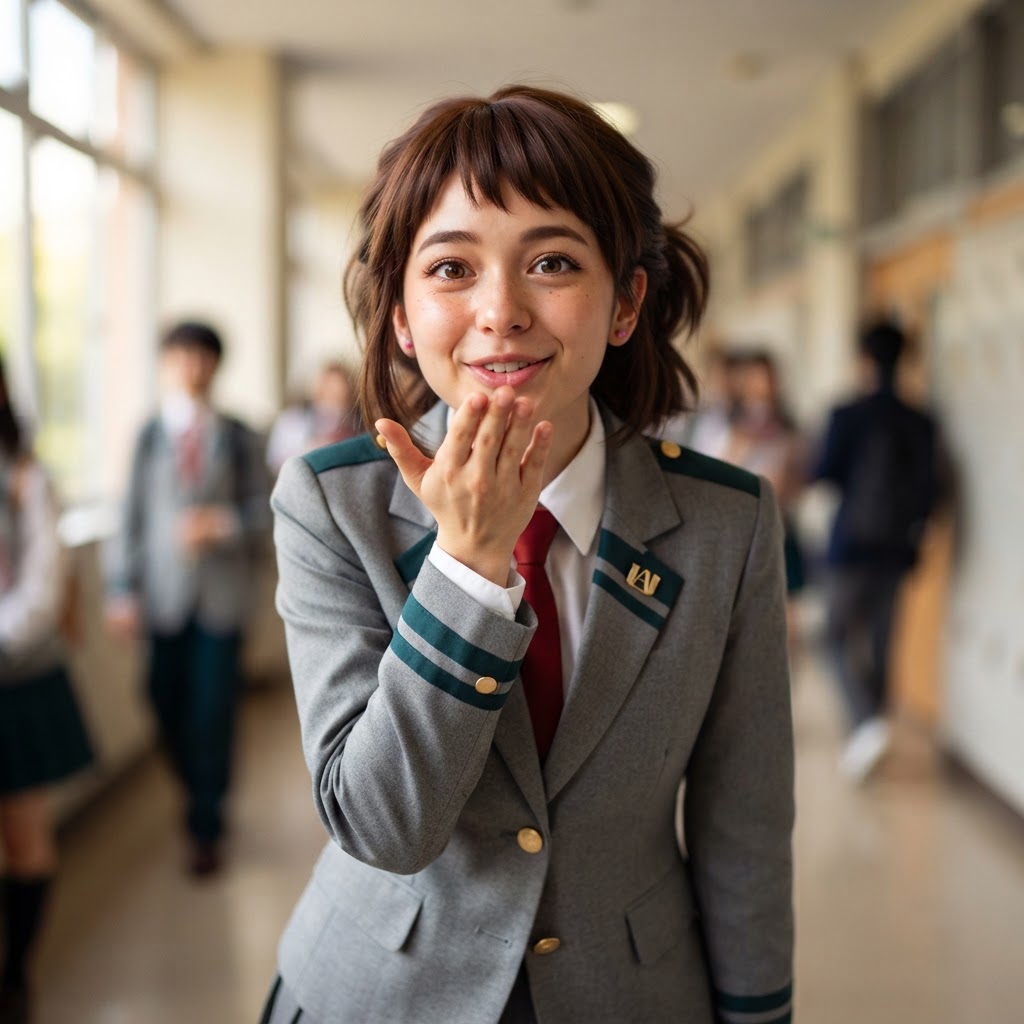
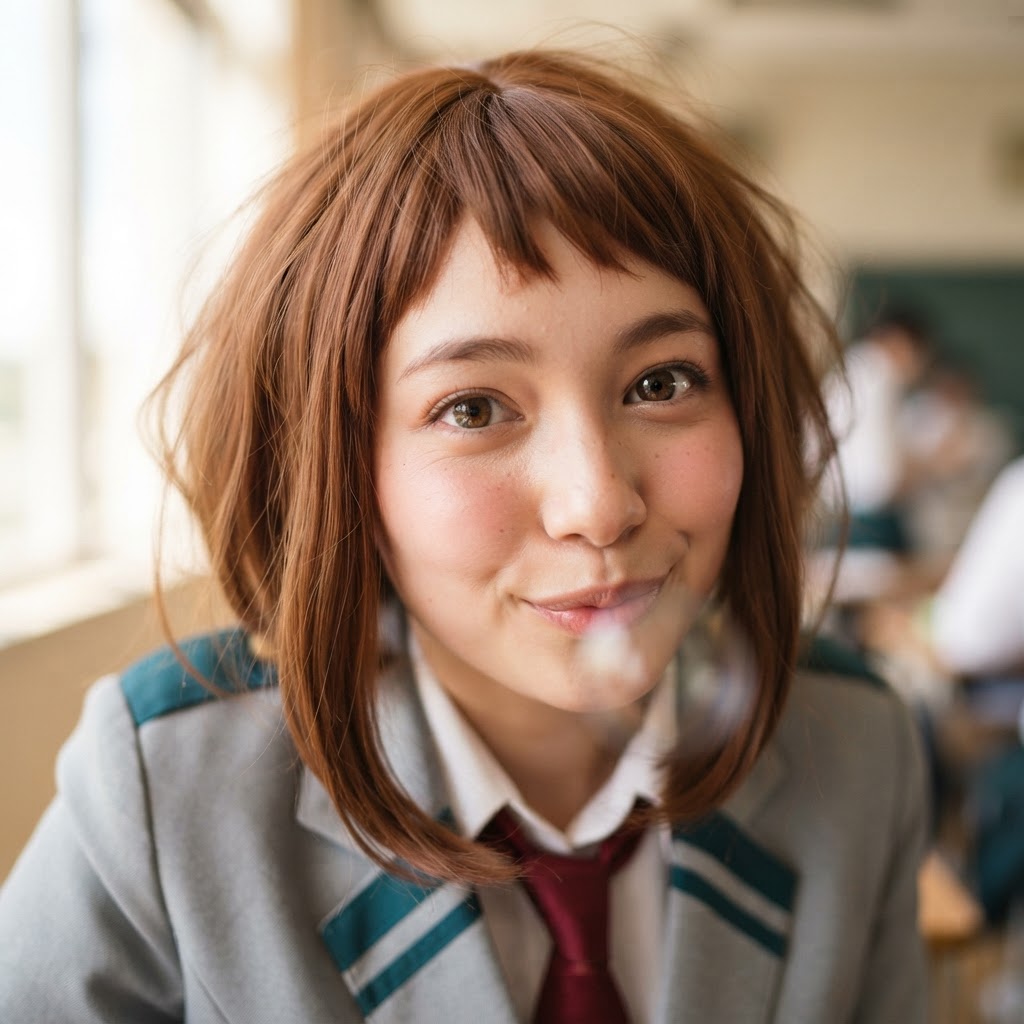
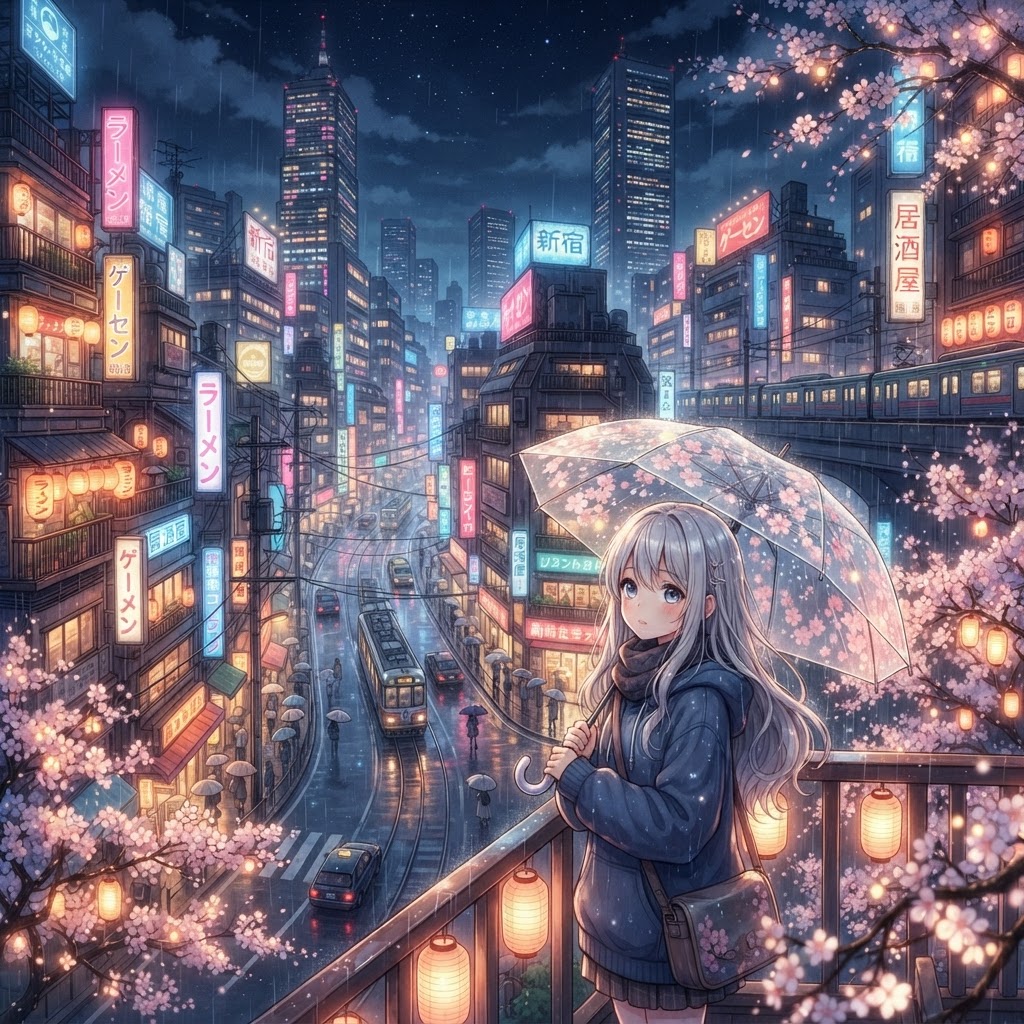
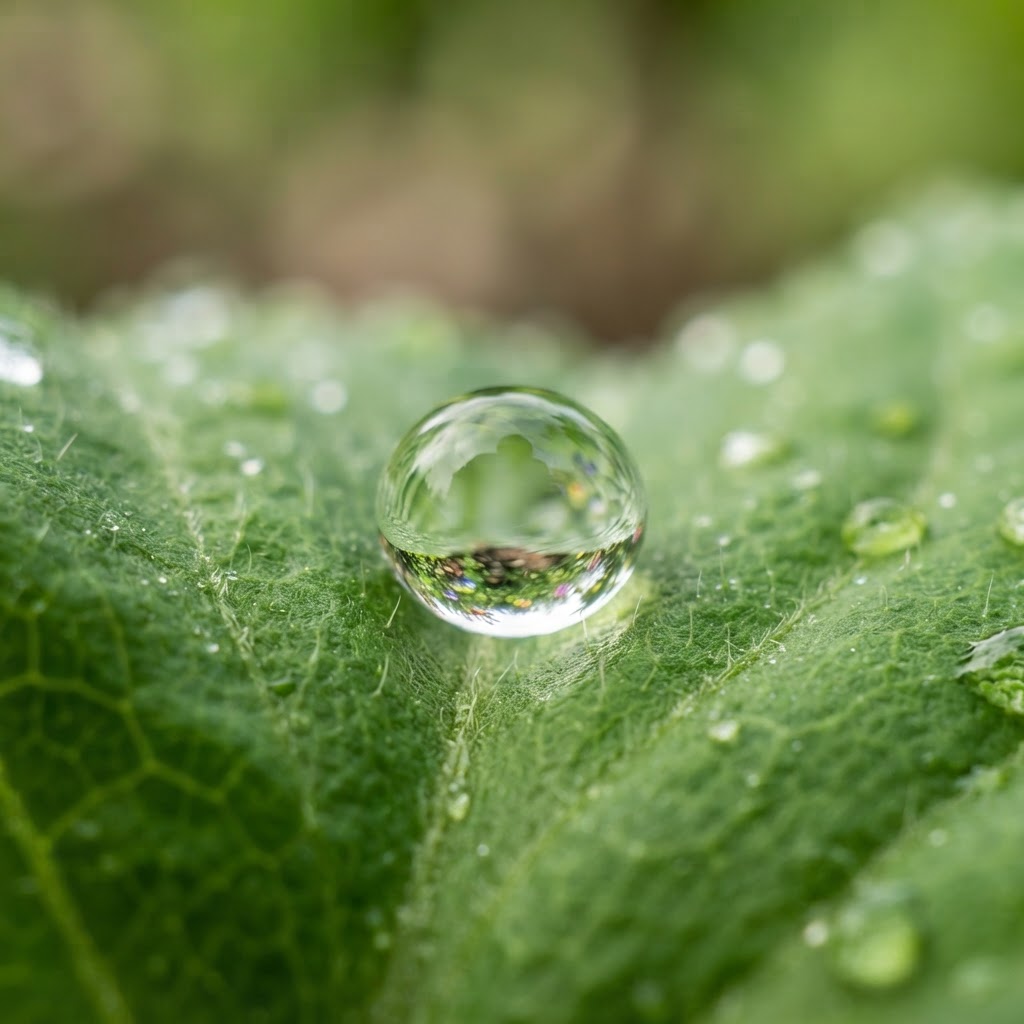
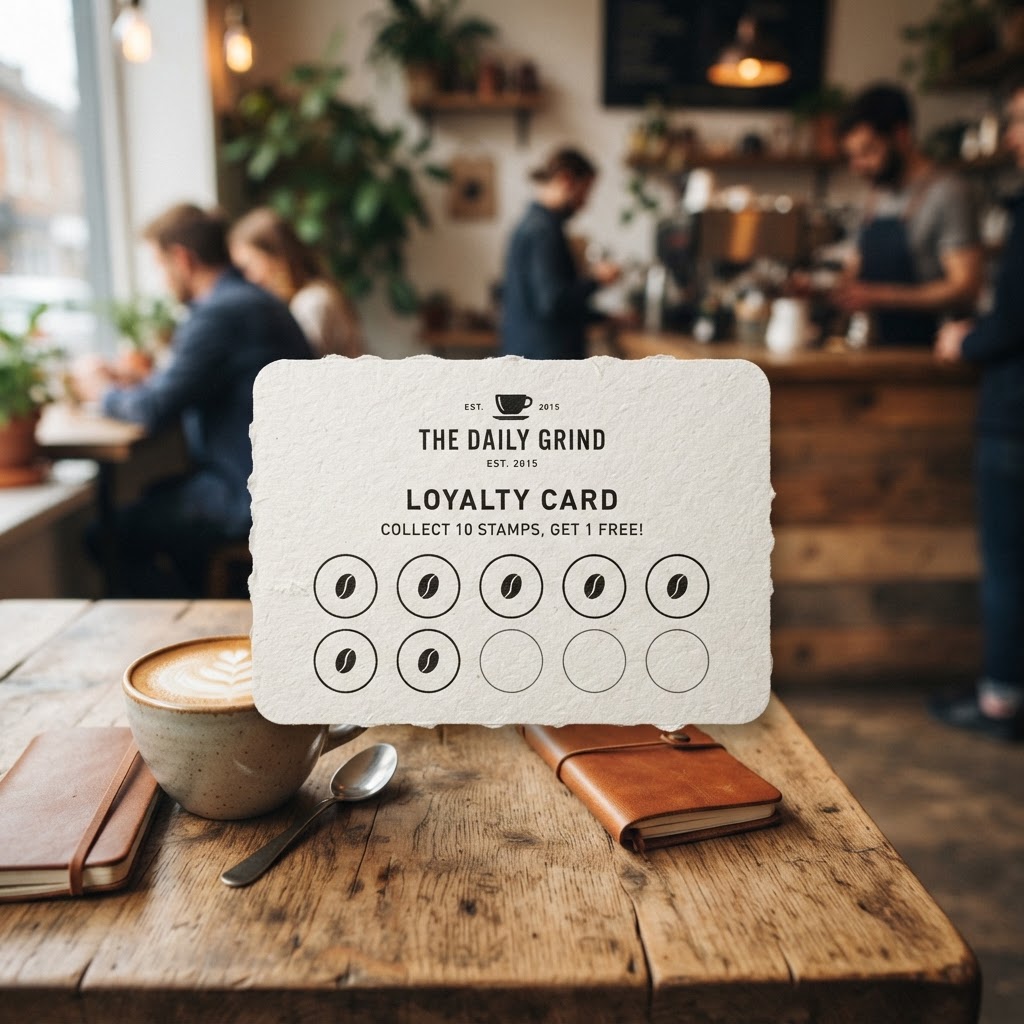
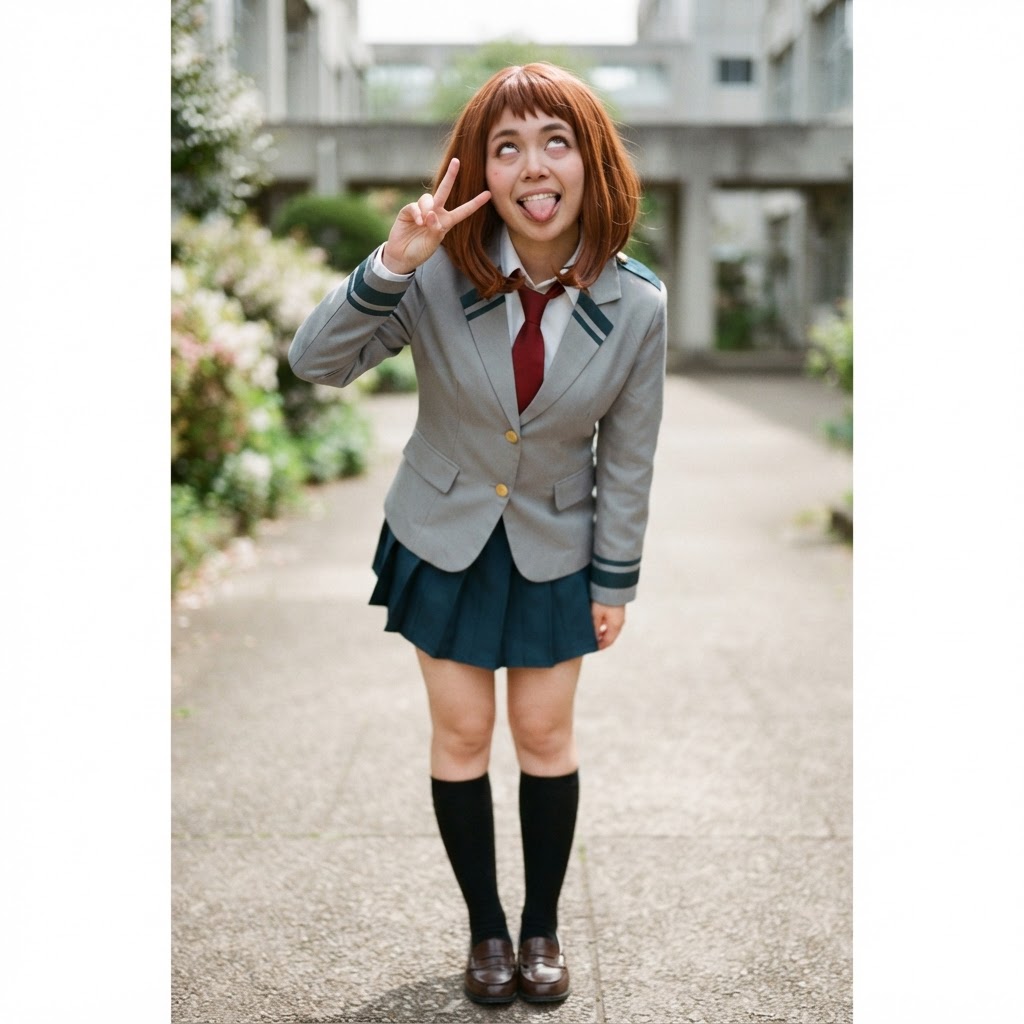
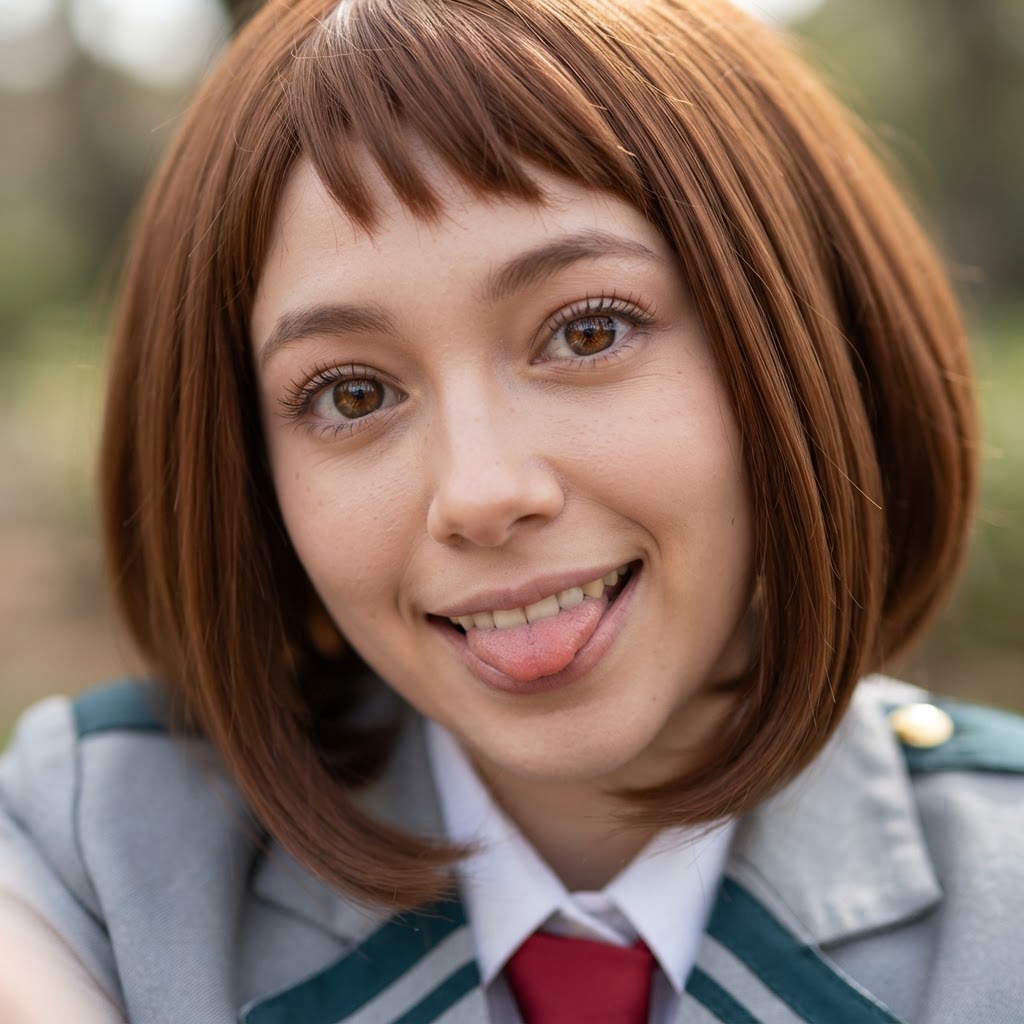
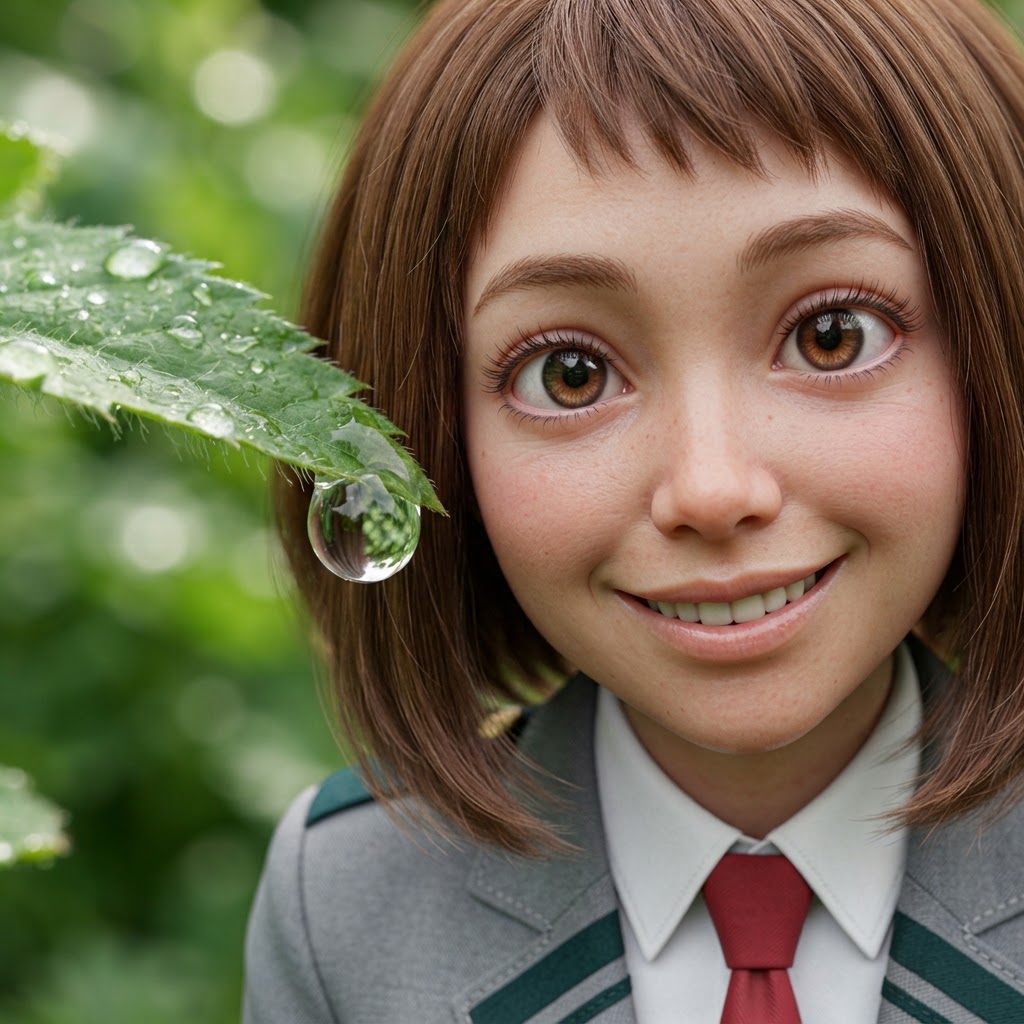


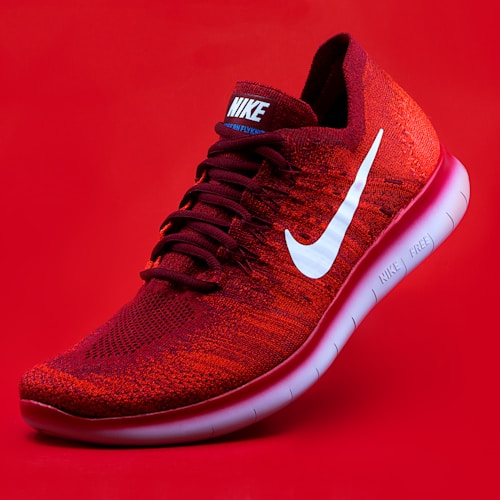


Explore AI-Generated Art in the Pixora Gallery
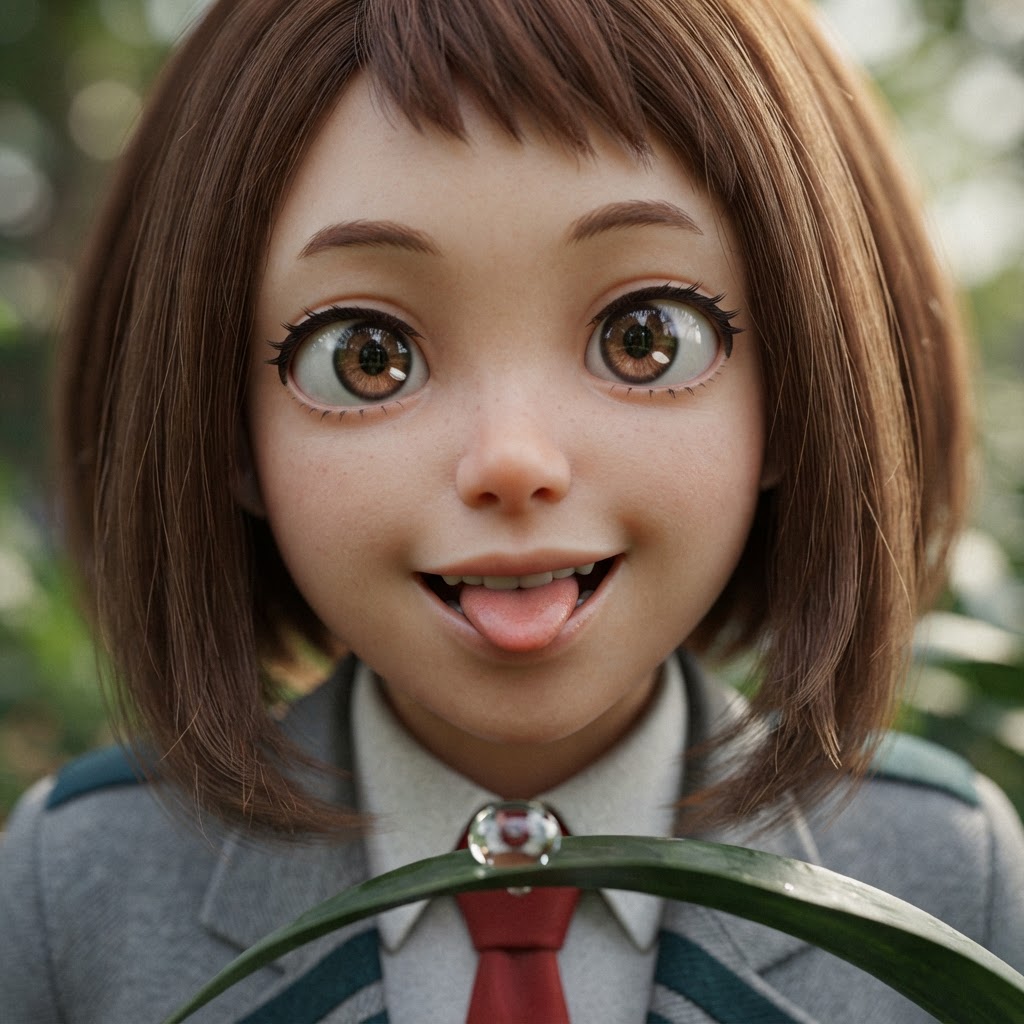
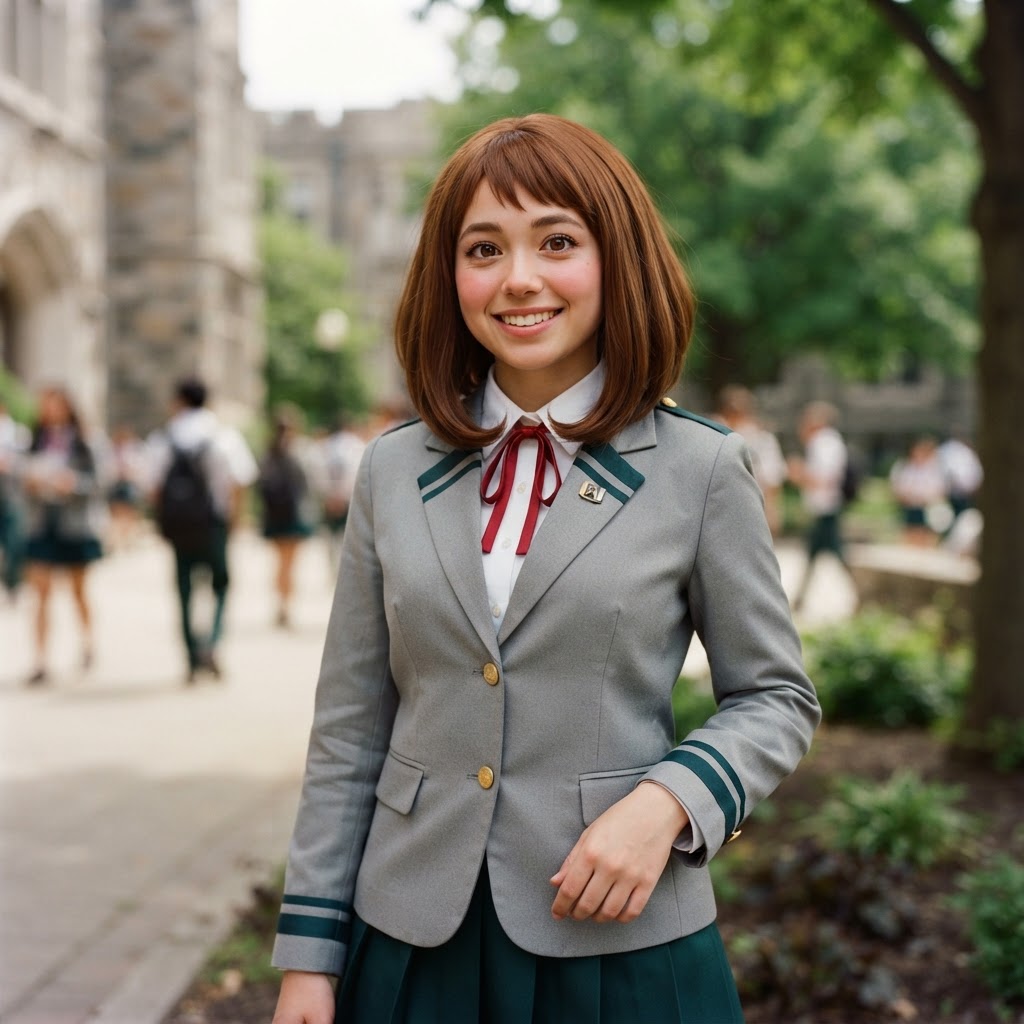
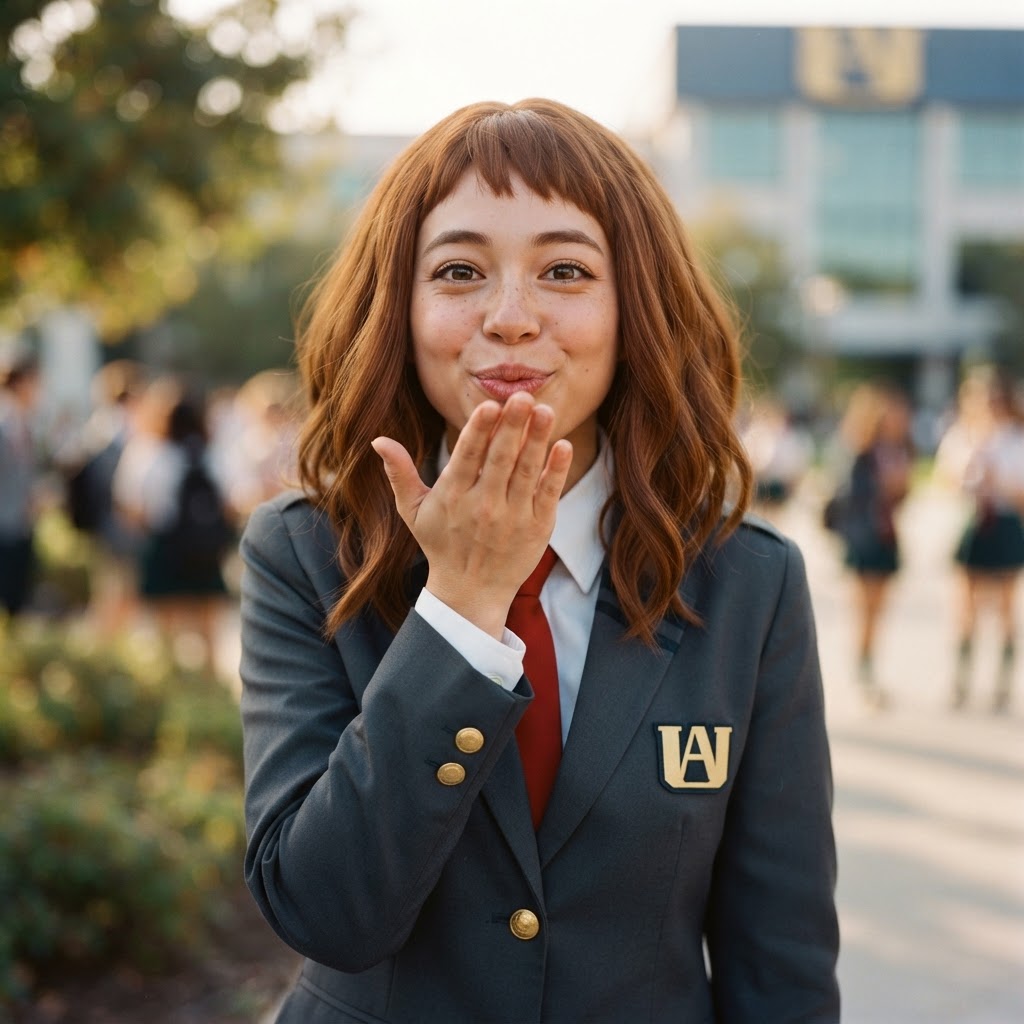
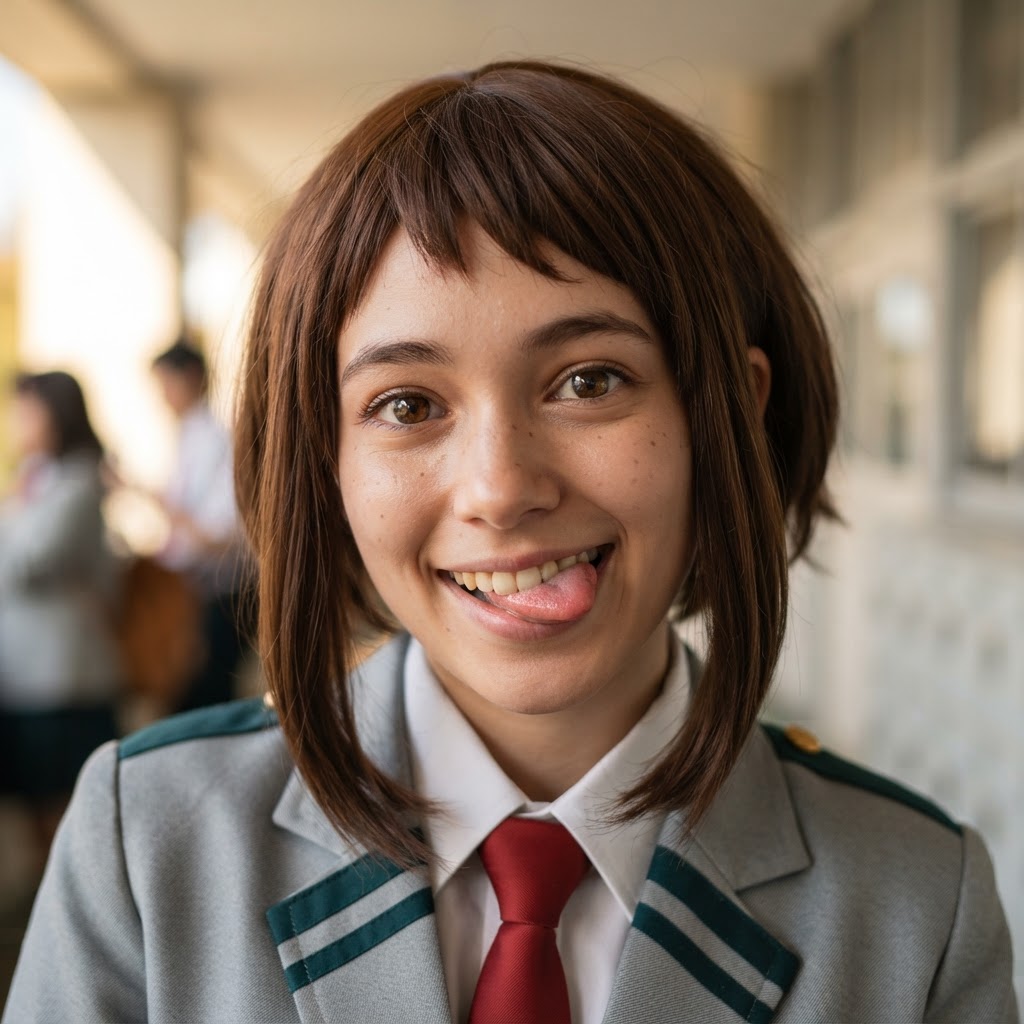
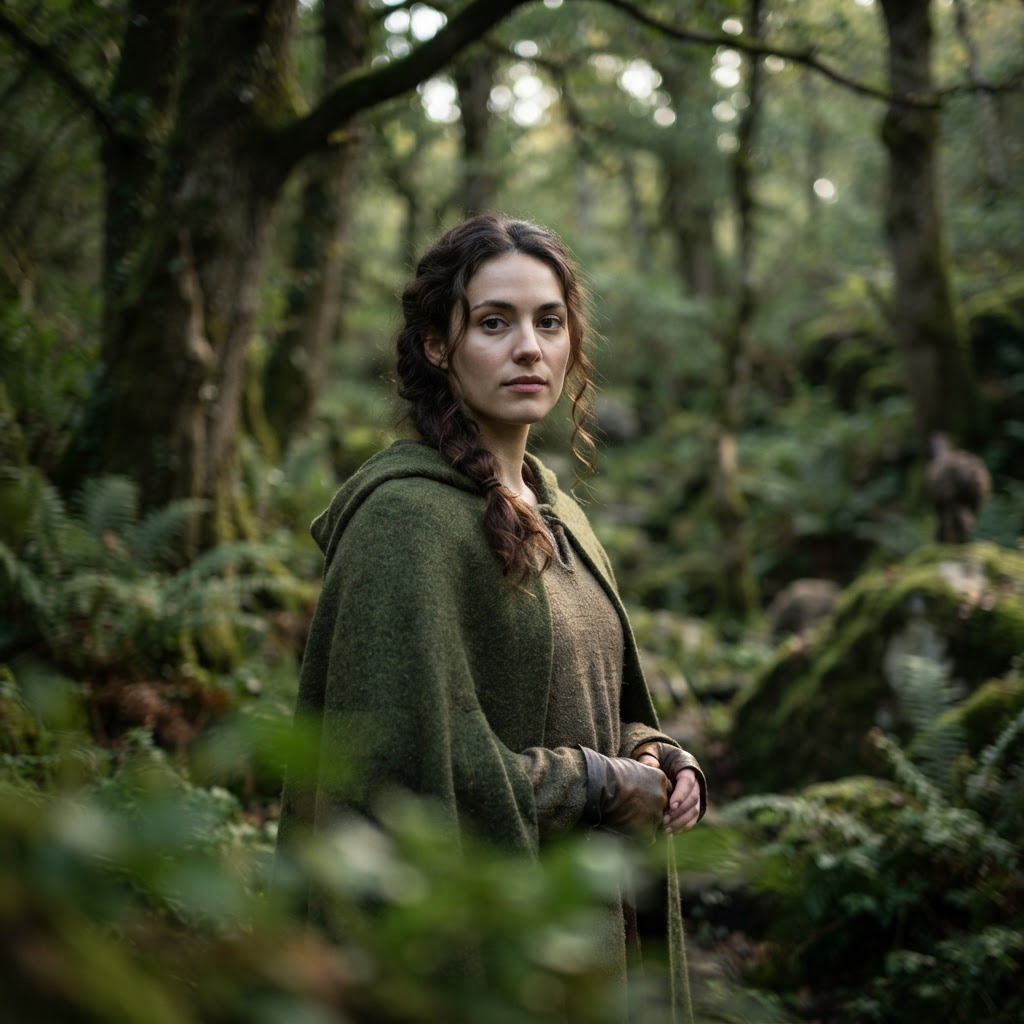
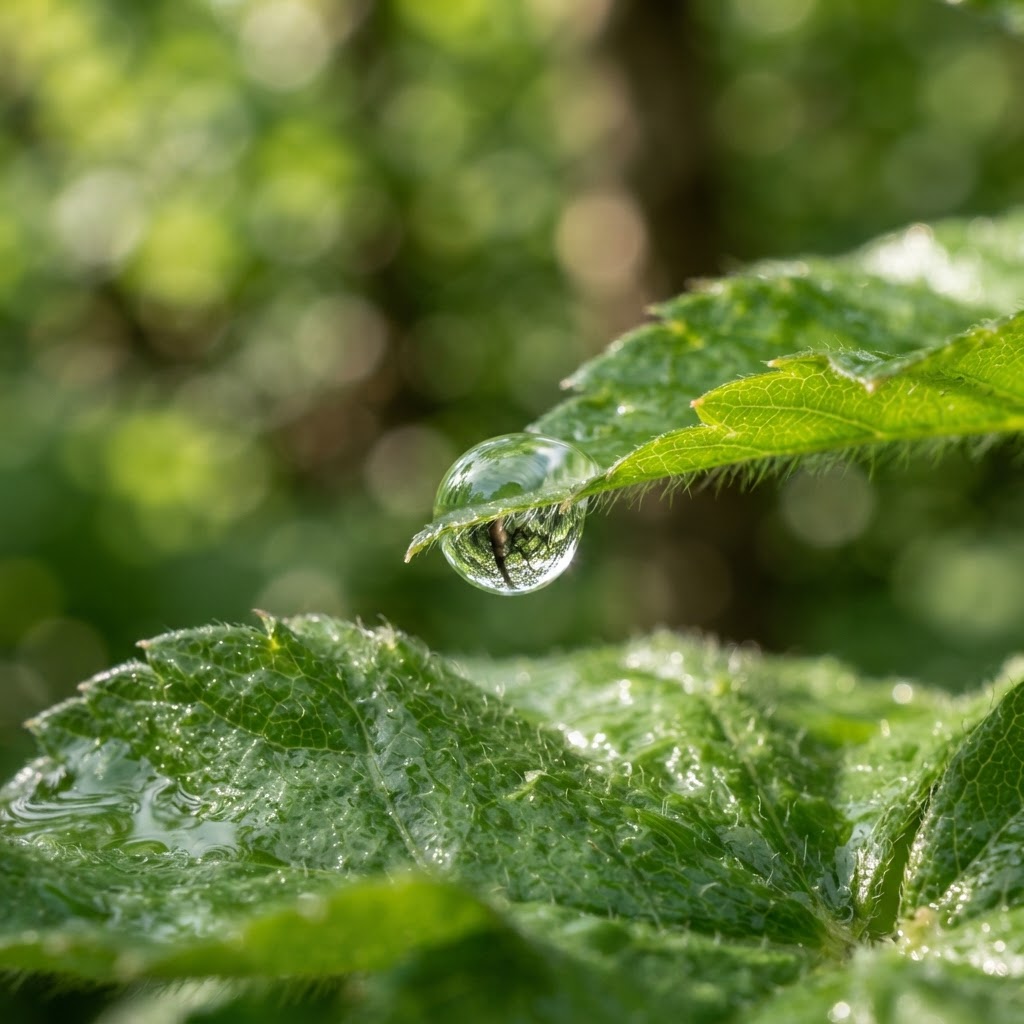
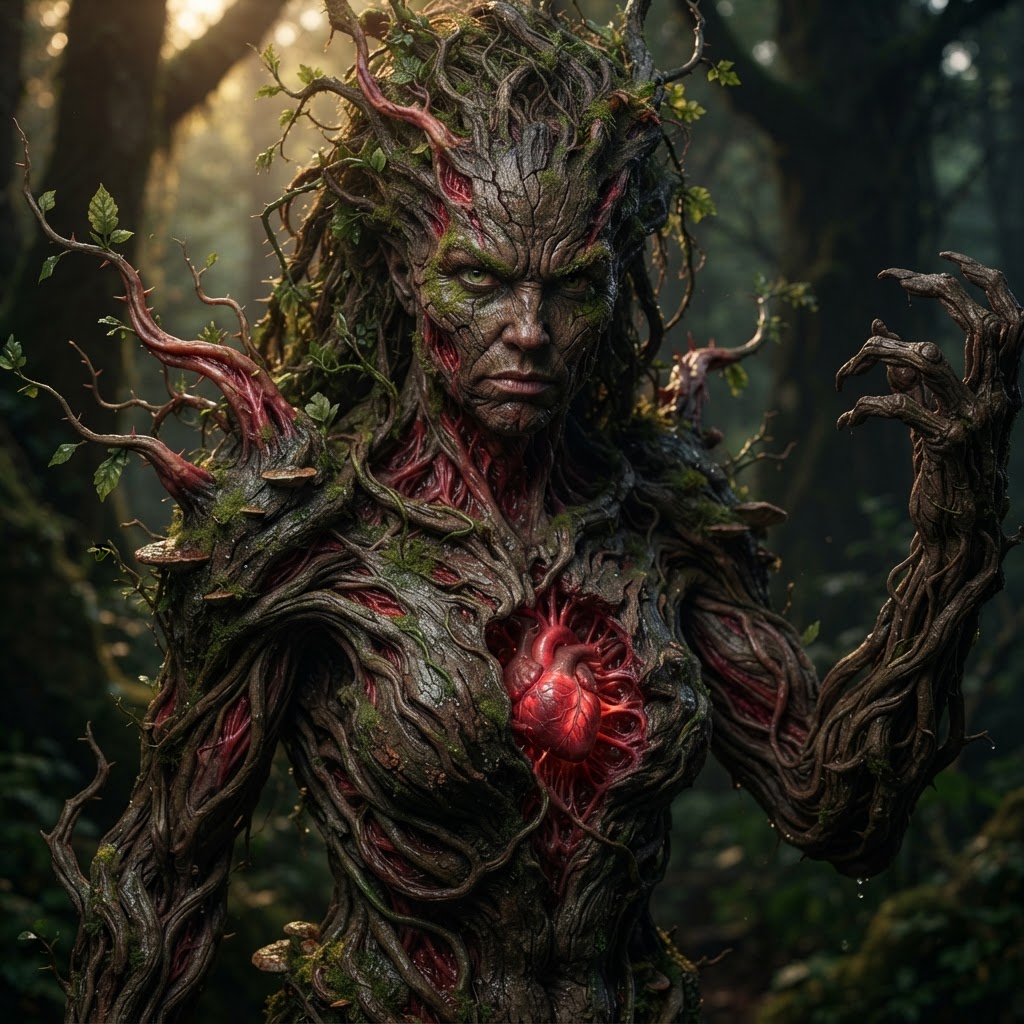
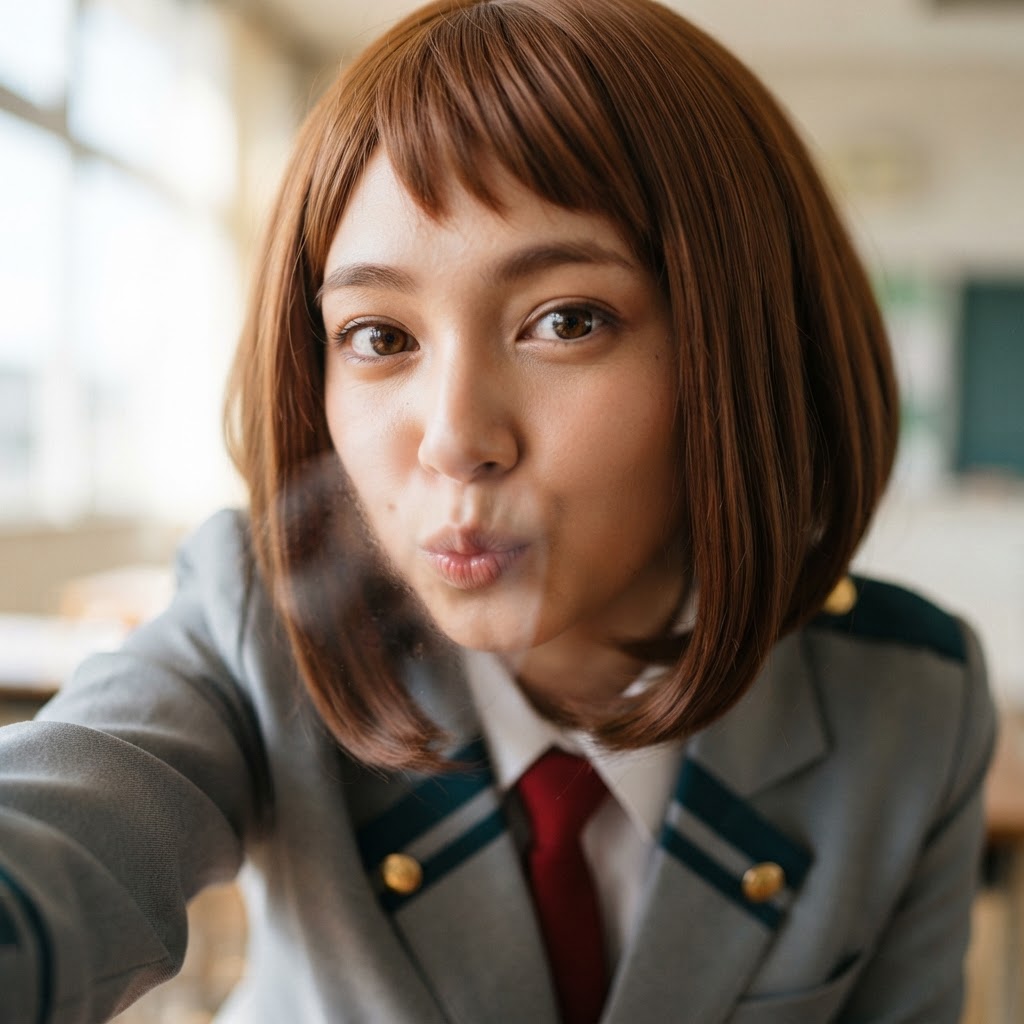
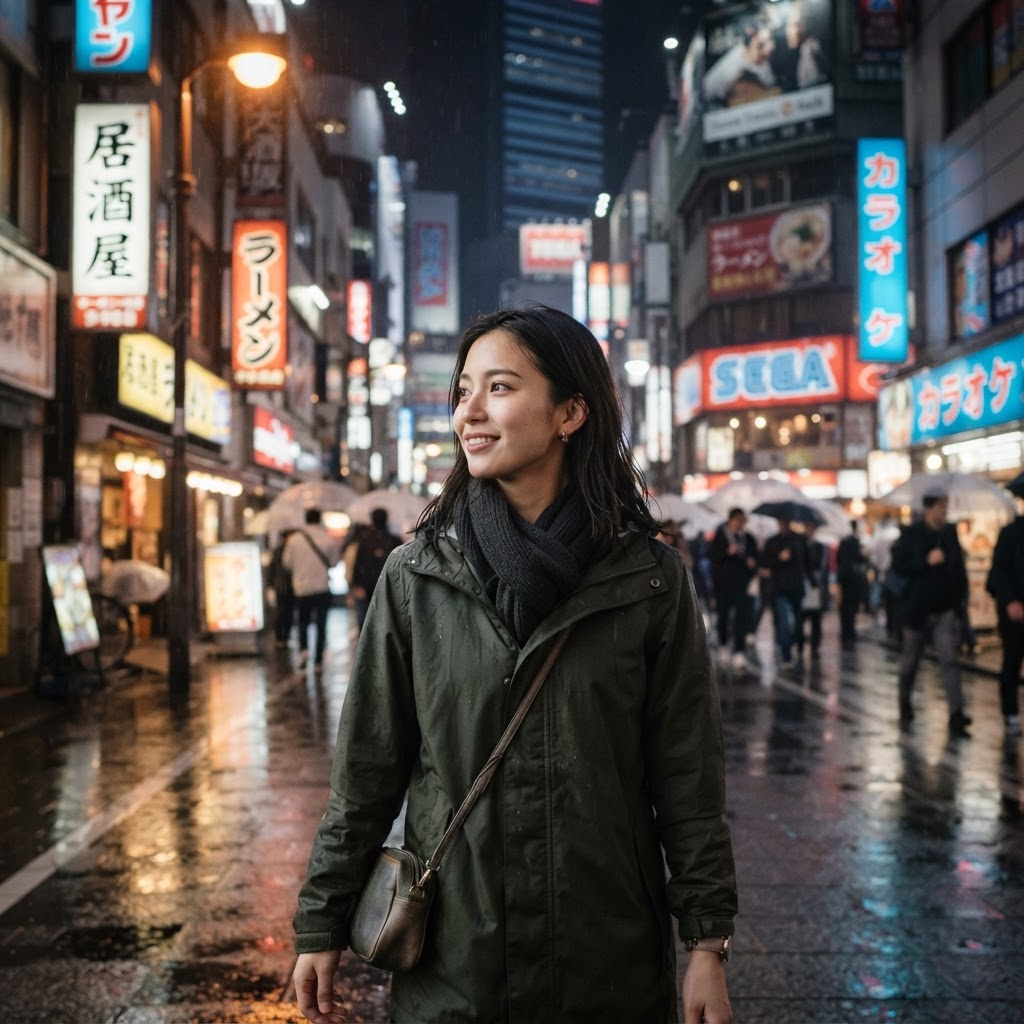
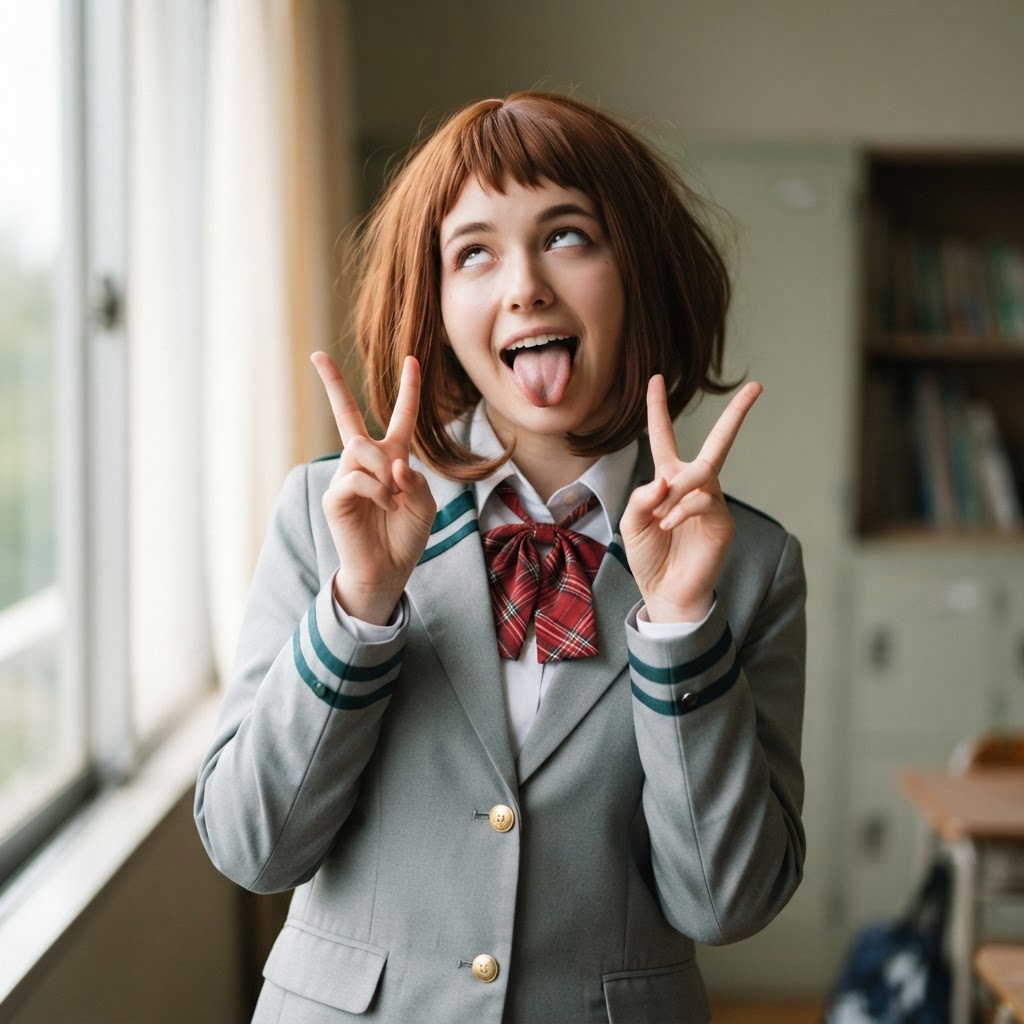
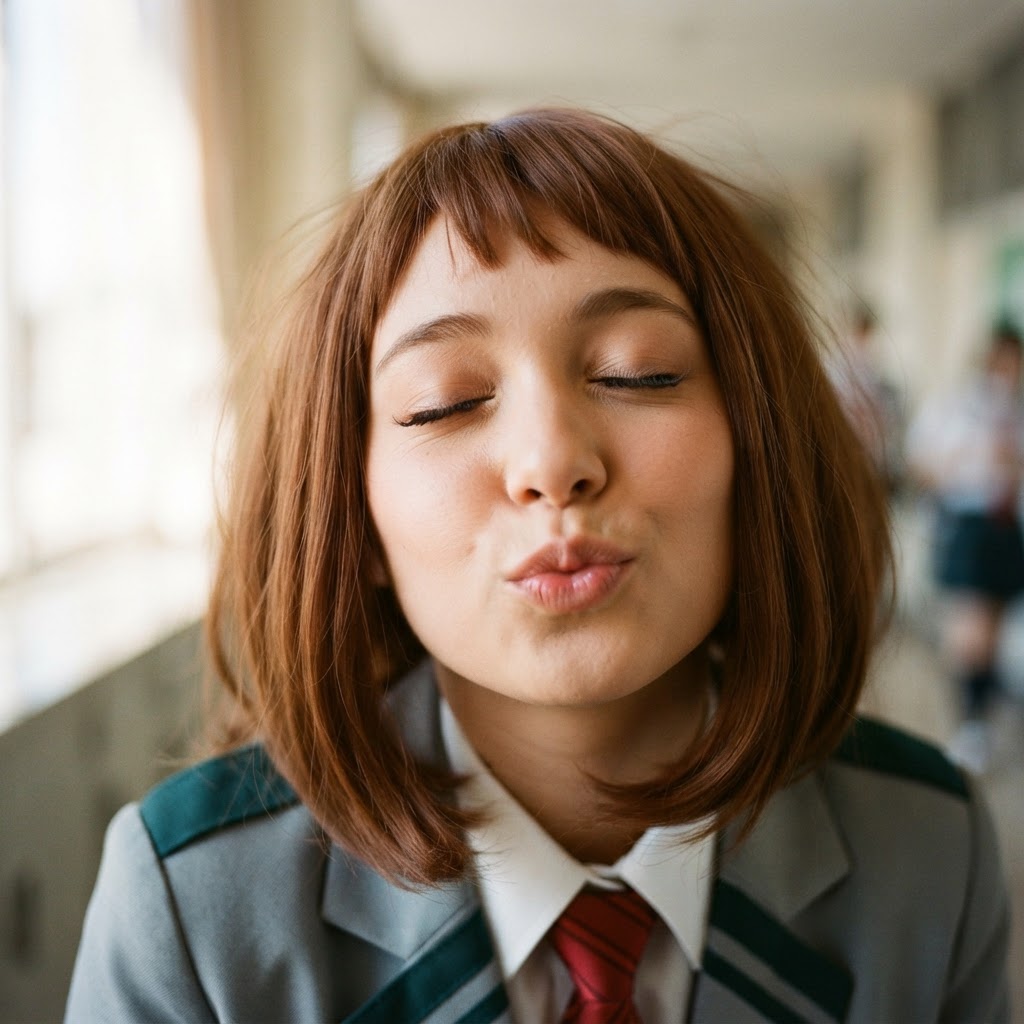
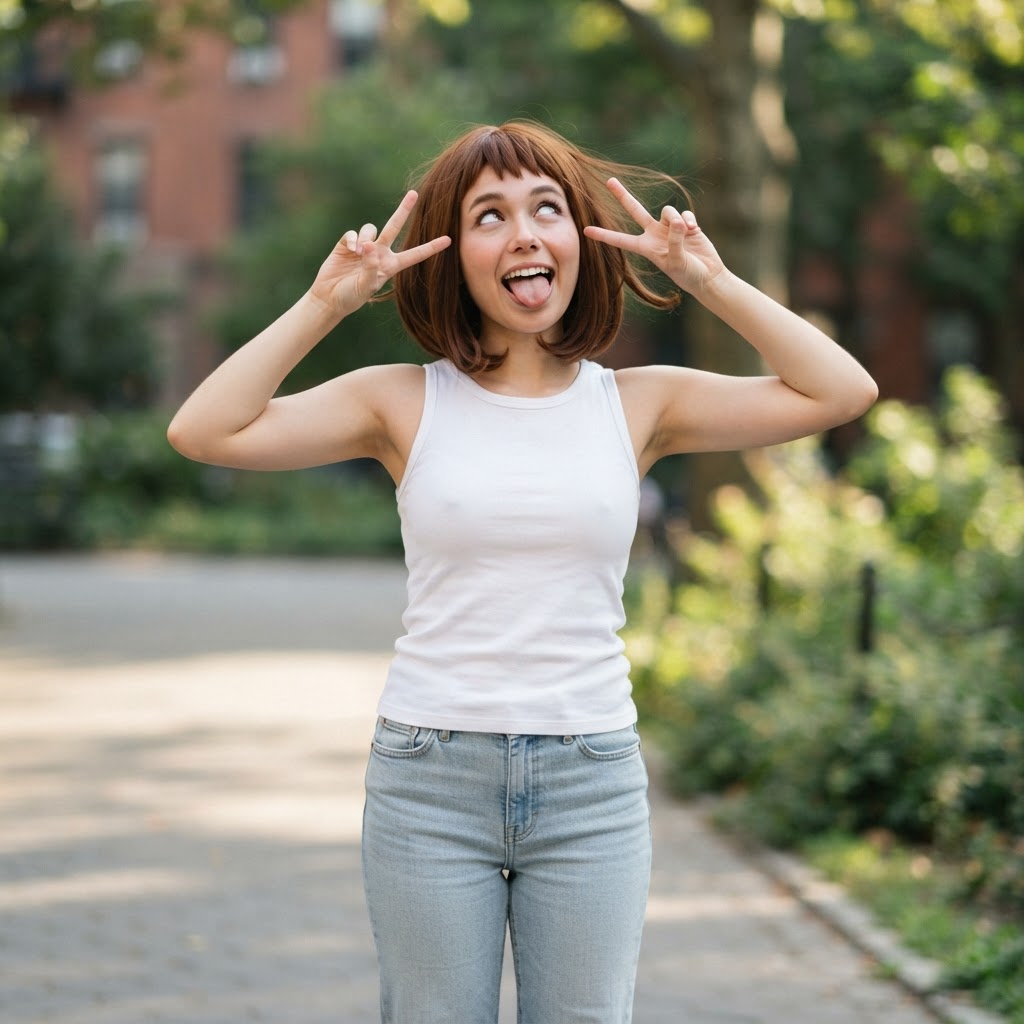
The Pixora public gallery is a living collection of AI-generated images created by our community of artists, designers, and hobbyists. Every image you see here was produced using Pixora's AI image generation tools, and each one started as a simple text prompt — a few descriptive words that an AI model turned into a fully realized visual. Browse trending artwork, discover new styles, and find inspiration for your own creations.
Unlike stock photo libraries where the same images appear across hundreds of websites, the Pixora gallery is filled with unique, AI-generated artwork that exists nowhere else. Every piece reflects the creativity of the prompt that produced it, and many of these images can serve as starting points for your own projects — just copy the prompt, tweak it to match your vision, and generate your own variation in seconds.
How to Use the Gallery for Inspiration
The gallery is designed to be more than a showcase — it is a creative resource. When you find an image that catches your eye, click on it to see the full prompt that generated it. You can copy that prompt directly into the Pixora AI image generator and modify it to explore different subjects, styles, color palettes, and compositions. This is one of the fastest ways to learn prompt engineering: study what works, adapt it, and make it your own.
Use the sorting tabs to browse by what is trending, what is newest, what has received the most likes, or what has been downloaded most often. The search bar lets you filter by keyword — try searching for a specific subject like "portrait," "landscape," "cyberpunk," or "watercolor" to narrow the feed to images that match your interests. The category filters further refine the results by art style.
AI Art Styles You Will Find in the Gallery
The gallery spans a wide spectrum of AI art styles. You will find photorealistic portraits that are nearly indistinguishable from photography, stylized anime and cartoon illustrations, intricate fantasy landscapes, futuristic cyberpunk cityscapes, minimalist logo designs, and everything in between. Each style is the product of how the AI model interprets descriptive language — words like "cinematic lighting," "oil painting texture," "isometric render," or "watercolor wash" guide the model toward a specific visual aesthetic.
Because Pixora supports multiple AI models and style presets, the gallery naturally showcases the range of what each approach can achieve. Realistic generators excel at lifelike detail and natural lighting, while illustrative models shine at flat color, bold line work, and exaggerated character design. Exploring across styles is the best way to understand which model and prompt approach suits your project.
From Gallery to Creation in One Click
Every image in the gallery is a starting point. When you see something you love, you do not need to start from scratch — copy the prompt, head to the Pixora dashboard, and generate your own version with a single click. From there, you can refine the prompt, change the style, adjust the aspect ratio, and use the built-in image editor to crop, upscale, or enhance the result. The entire workflow — from inspiration to finished, downloadable image — takes less than a minute and requires no design experience.
Share Your Own Creations
When you generate an image with Pixora, you can choose to publish it to the public gallery with a single toggle. Sharing your work helps other creators discover new prompt ideas and techniques, and it helps the community grow. Every published image includes a link back to its original prompt, so anyone who admires your work can learn from your approach. You keep full ownership of everything you create, and commercial usage rights are included on every plan — including the free tier.